
How to create city pages for SEO without copying a template
A city page deserves to exist when a person in that market needs a distinct, accurate answer and the business can provide it. Changing the location name in a reusable paragraph is a production shortcut, not local usefulness.
When should you create a city page?
Create a city or service-area page when the business genuinely serves the market, the searcher has a local task not fully answered by an existing owner, the page has a clear conversion path, and you can supply location-specific service facts or evidence. If those conditions are missing, improve a broader owner instead.
Begin with the current sitemap. Check whether a core service page, branch page, regional page, or existing city page already satisfies the intent. Compare query meaning and expected page type before assuming every service-location phrase requires its own URL.
Document the role: a physical location page represents a real staffed place; a service-area page represents coverage without pretending there is an office; a service-in-city page combines one service and market only when that combination has meaningful distinctions.
What belongs in a city-page brief?
The brief should identify the real target location and service, page owner, audience task, coverage boundary, local decision points, approved proof, required sections, prohibited claims, service and location links, conversion action, metadata, schema recommendation, images, fact checks, and uniqueness criteria.
- Coverage: whether customers visit a staffed address or the business travels to the area, including eligibility and limitations.
- Local differences: scheduling, access, permitting, climate, property or customer types, service options, risks, and preparation.
- Proof: approved projects, photographs, staff knowledge, testimonials, data, partnerships, or policies that actually relate to the market.
- Buyer decisions: pricing factors, timelines, selection criteria, alternatives, FAQs, and the next step.
- Hard vetoes: no invented office, customer, project, review, landmark familiarity, response time, license, ranking, or guarantee.
How should a useful city page be structured?
Answer the service-and-place question immediately, then help the buyer verify coverage, understand the offer, evaluate local considerations and proof, compare options, know the process and next step, and reach the appropriate service or contact path. Structure should follow the task rather than force a fixed section count.
A strong opening states what is available, where, for whom, and any important boundary. Supporting sections can cover locally relevant service options, process, pricing factors, common property or project conditions, approved examples, FAQs, and a clear CTA. Include the address only when it is a real eligible location.
Do not manufacture uniqueness with trivia. Neighborhood lists, weather sentences, or landmark names are useful only when they change service delivery or help a customer decide. The core service information still needs enough depth to make the page useful on its own.
How should city pages link within the site?
Link every city or service-area page to its core service owner and a relevant conversion route. Link back from appropriate service, location-hub, and guide pages so the city page is discoverable. Cross-link nearby locations only when the relationship genuinely helps a user.
Use descriptive anchors that explain the next page. A city page might link to the full service process, material options, pricing factors, maintenance guide, or contact workflow. The service page can expose legitimate markets in a service-area section without turning the footer into a dense keyword block.
Keep breadcrumbs and navigation consistent with the information architecture. Validate every target URL after delivery, and avoid redirect chains or links to parameter variants that split signals across multiple forms of the same page.
What metadata, schema, and images should a city page use?
Use an intent-aligned unique title and description, one descriptive H1, a stable self-canonical, accurate robots settings, accessible images with truthful captions and alt text, and structured data supported by the visible page and the real business model.
LocalBusiness markup can describe an actual location and business facts, but it must not imply that every target city is a separate branch. A service-area business should keep its address and area-served representation accurate across the page, structured data, and public profiles.
Prefer approved first-party images that demonstrate the work, team, process, or real place. Rank Titan's image matching treats location hints as supporting metadata and explicitly warns that an asset should not be used as proof of a project, client, or location unless the fact is known.
What must be checked before a city page is published?
Verify the location is real and served, compare the page against other local owners, fact-check every claim and image, confirm the service and CTA, inspect links and schema, test mobile layout, and review the destination record and public route. A draft that passes grammar review can still be a doorway page.
- Uniqueness: the page provides material value beyond changing names, headings, metadata, and superficial local references.
- Accuracy: service coverage, physical presence, hours, phone, address, proof, licensing, availability, and time-sensitive facts are confirmed.
- Ownership: the page does not compete with a broader service, branch, regional, or neighboring city owner for the same task.
- Technical: status, canonical, robots, title, description, H1, links, media, JSON-LD, sitemap, and responsive behavior are correct.
- Release: CMS status, edit URL, live route, index status, query data, conversion result, and maintenance owner remain separate records.
City-name template versus useful city page
| Element | City-name template | Useful city page |
|---|---|---|
| Reason to exist | A phrase can be generated | A real local audience has a distinct task |
| Business presence | Implied by the page title | Physical location or service-area coverage stated accurately |
| Content | Shared copy and local substitutions | Service depth plus real market decisions, boundaries, and proof |
| Images | Generic or reused stock | Approved evidence with truthful source, caption, and alt text |
| Links | Large list of cities | Core service, relevant guides, legitimate locations, and conversion path |
| Approval | Publish when generated | Factual, uniqueness, SEO, destination, and rendered review |
Implementation checklist
- Confirm the business serves the city and state whether it has a real staffed location there.
- Compare existing service, branch, regional, and city owners before proposing another URL.
- Write a brief with local decisions, approved proof, boundaries, links, CTA, vetoes, and QA.
- Answer coverage, offer, process, options, proof, FAQs, and next step without filler.
- Link to the core service and earn crawlable links from appropriate parent or hub pages.
- Use only images and structured data that accurately match visible facts.
- Run factual, uniqueness, metadata, schema, link, accessibility, and mobile checks.
- Verify the CMS record and live route, then track index, queries, conversions, and upkeep.
Frequently asked questions
How many city pages should a business create?
Only as many as it can keep accurate, useful, and distinct. Start with high-value markets that have real coverage and proof, then expand only after the workflow and outcomes justify it.
Can city pages use the same layout?
A consistent layout can help usability, but the page's facts, decisions, proof, and audience value must be real and distinct. Shared structure does not excuse interchangeable content.
Should the city name be in the URL and title?
It can be when the location is central to the page's task. Keep the URL readable and stable, and write the title for an accurate user expectation rather than keyword repetition.
What if there is no physical office in the city?
Describe the business as serving the area and do not show or mark up a fake address. Make coverage, travel, eligibility, and the next step clear.
Primary sources and further reading
See the Rank Titan tools used in this workflow
These are current captures from the working Rank Titan application—not conceptual dashboard mockups.
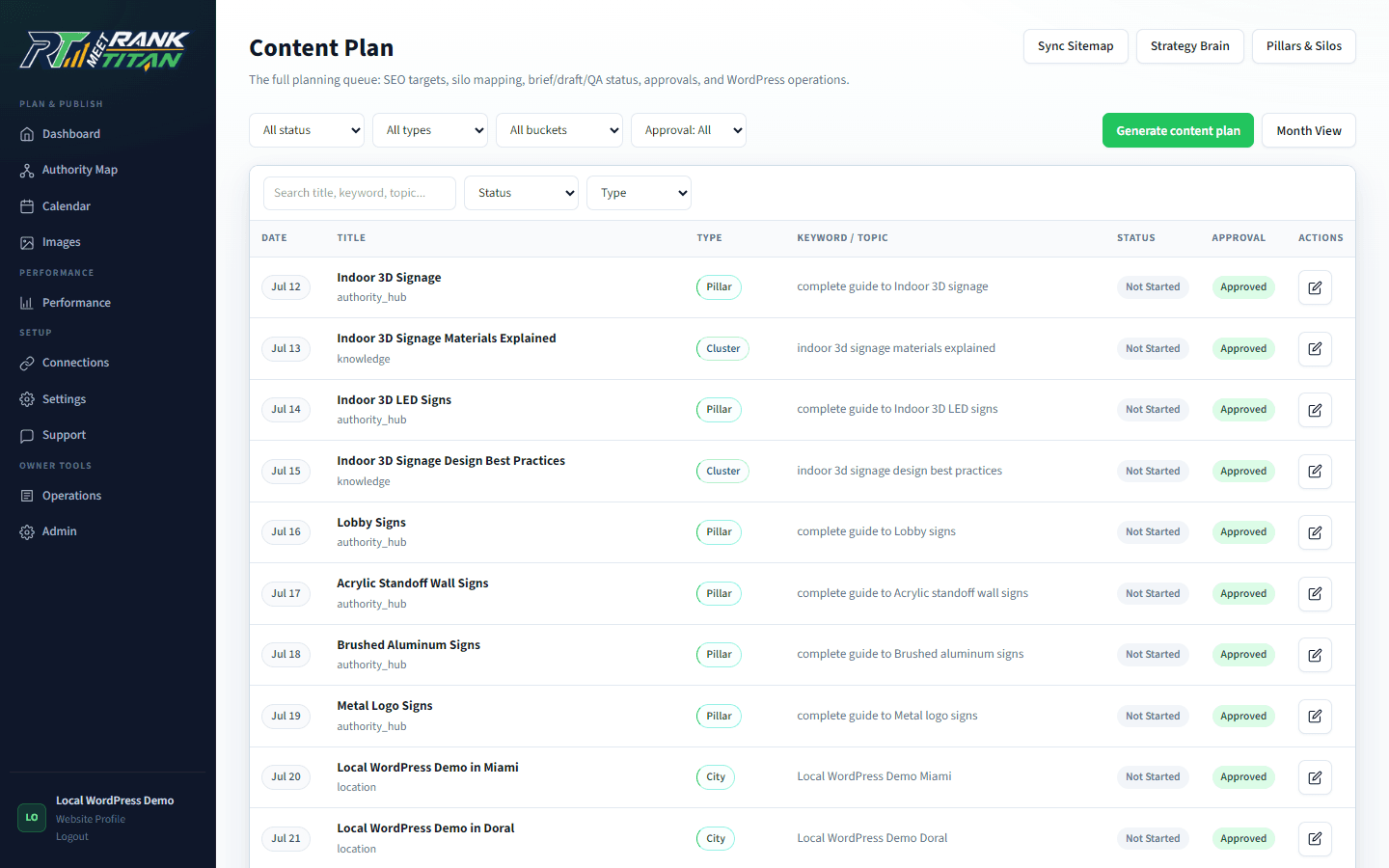
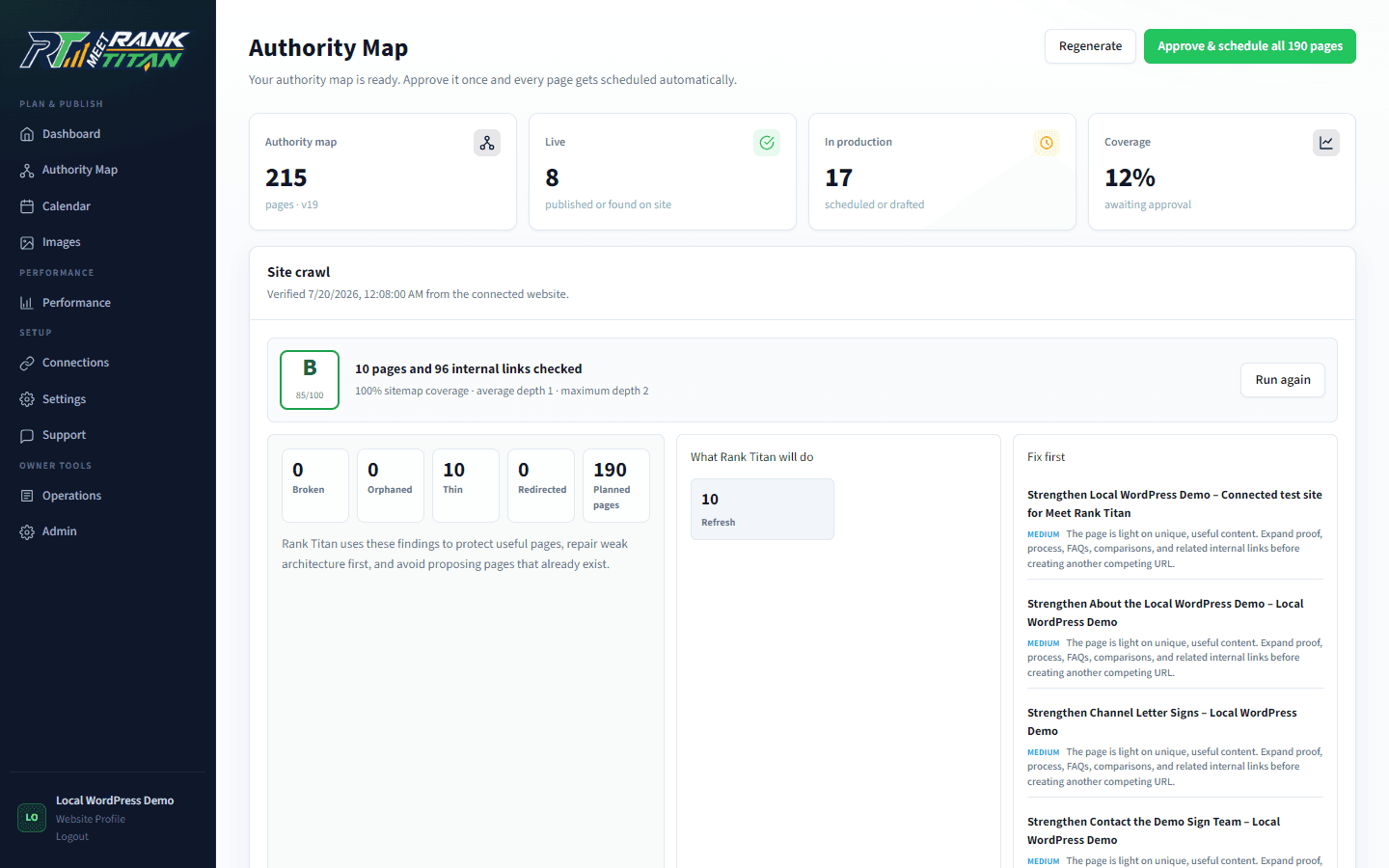
Map the site before generating the next page.
Rank Titan connects crawl evidence, topical architecture, briefs, QA, internal links, and draft-safe publishing in one reviewable workflow.